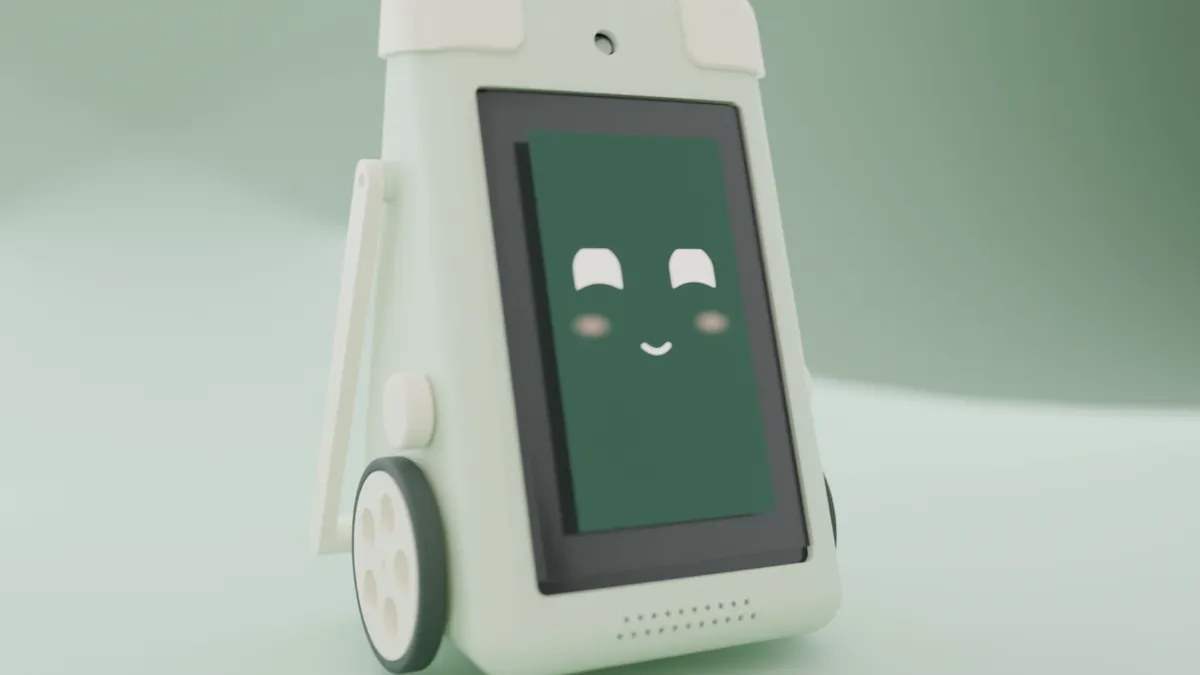
A calm face
Moods, blinks and glances on a 5-inch touchscreen. Expressive, never loud.

A small wedge of calm.
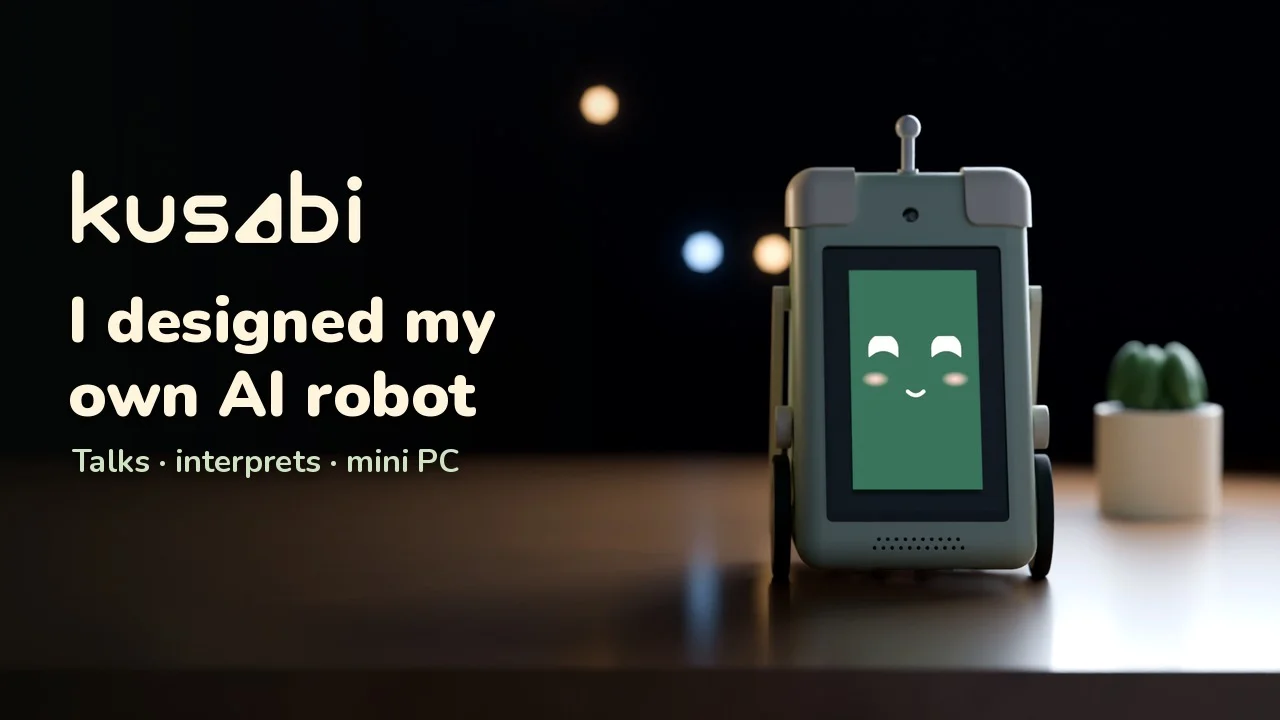
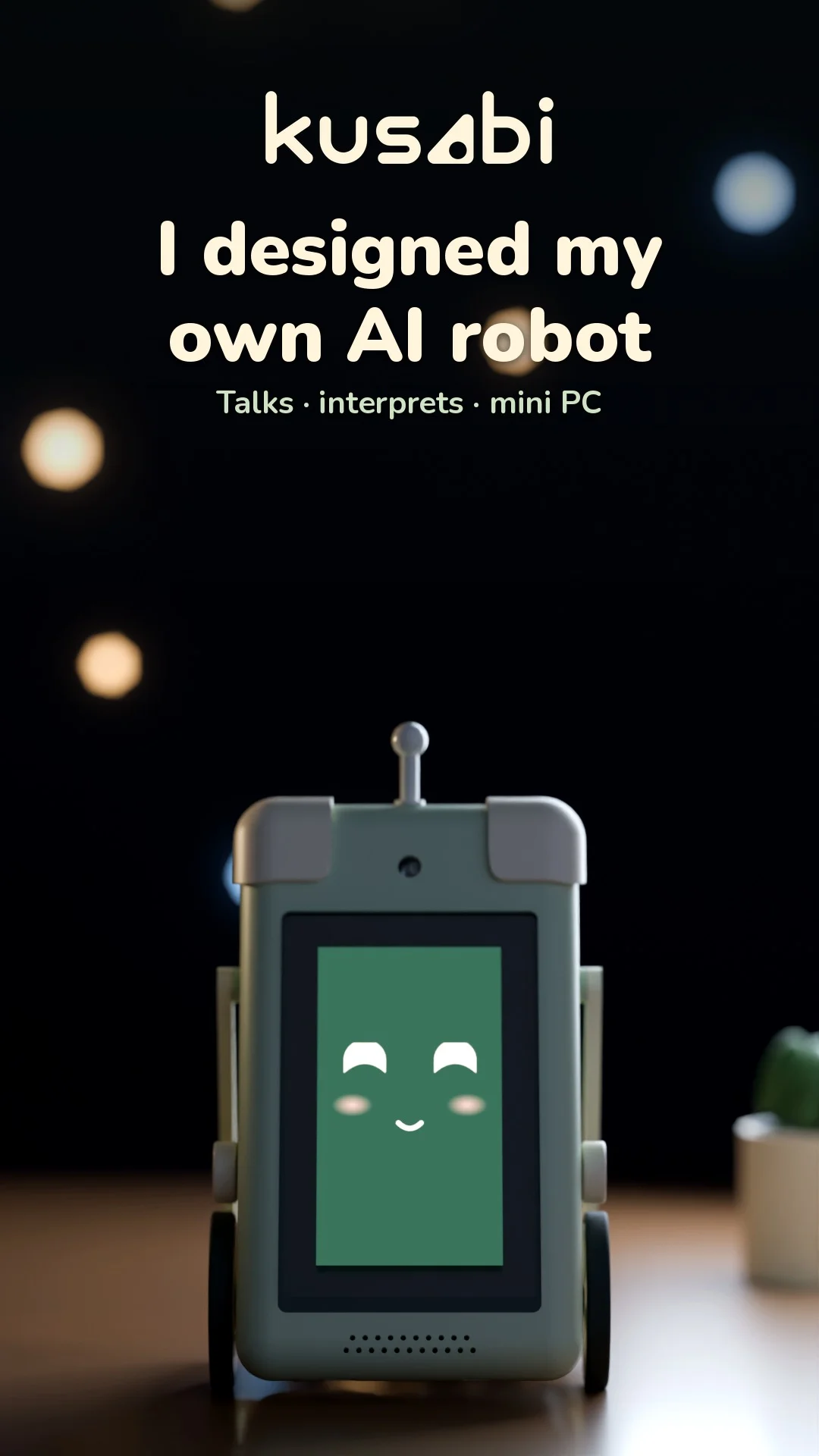
A little AI desk companion with a gentle face. Chat with it, let it interpret for you, or switch it into the tiny computer hiding inside. A personal project: I designed it, and I'm building its software and AI.
The film
What it does
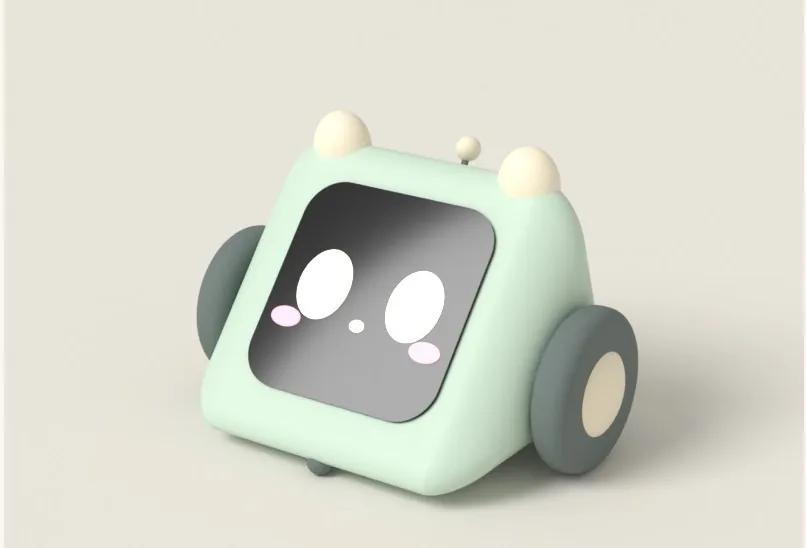
Kusabi fits in a box about 13.5 × 13.5 × 23 cm (5.3 × 5.3 × 9 in), antenna included. It drives around your desk, chats with you, interprets between languages, and turns into a tiny computer when you need one. The features below are the design target; the companion software is still being built.
Moods, blinks and glances on a 5-inch touchscreen. Expressive, never loud.
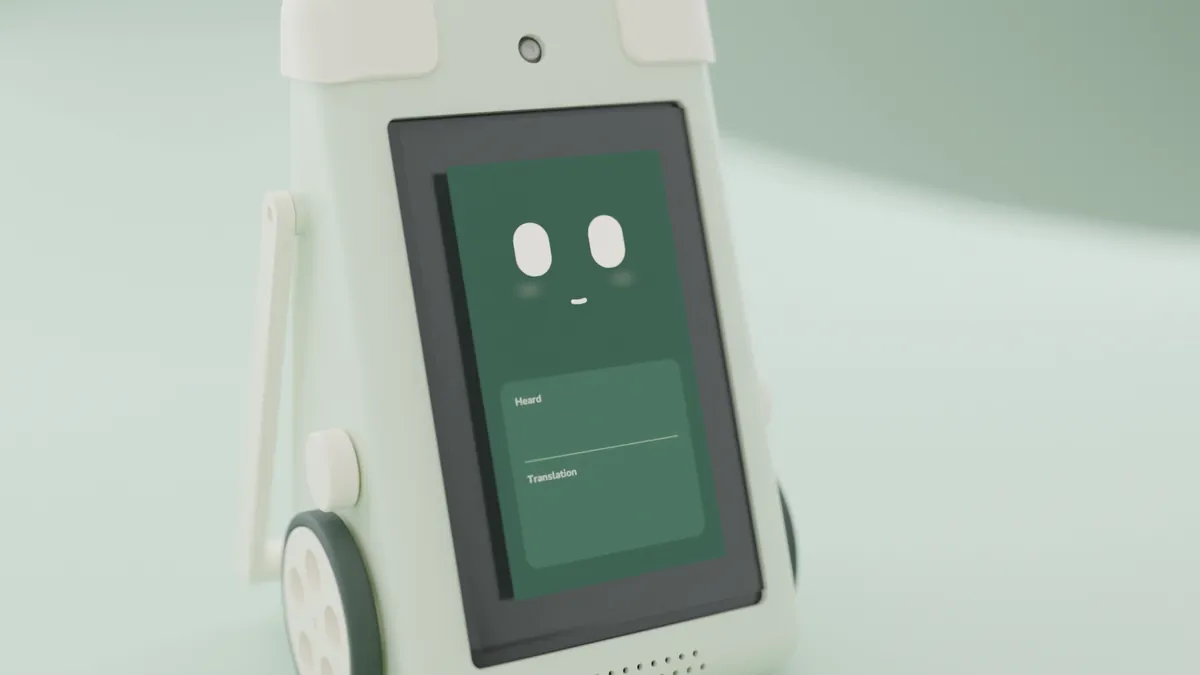
Chat with it out loud, or ask it things. It can also interpret live between Japanese, English and many more languages.
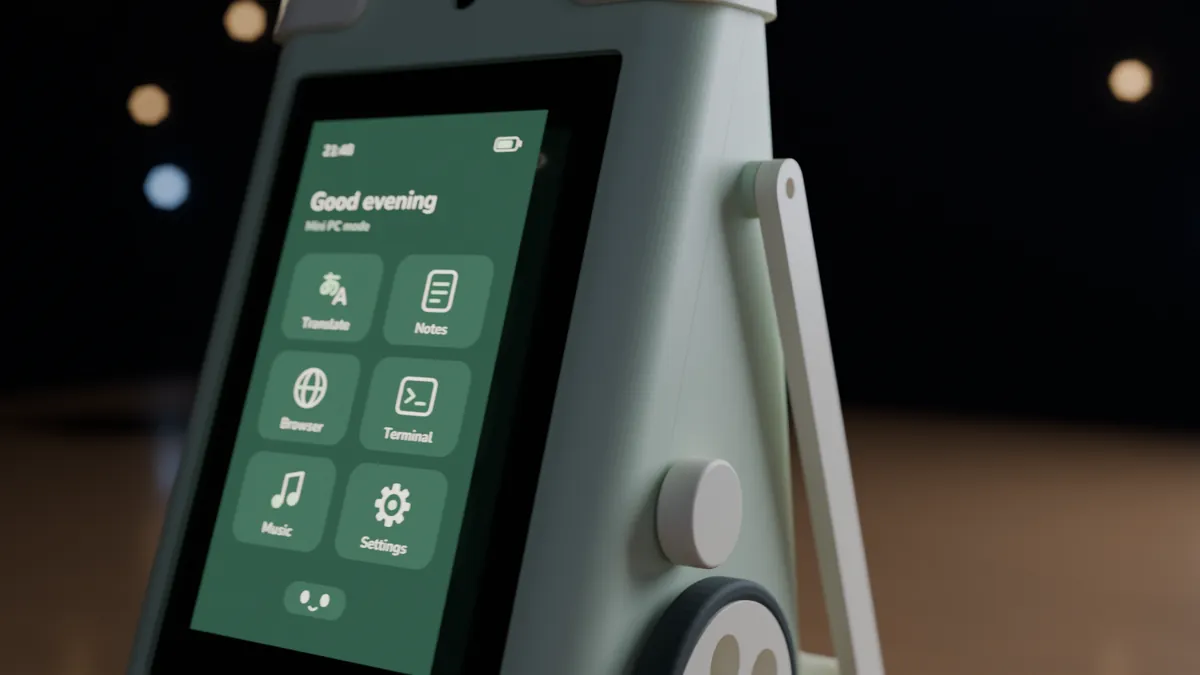
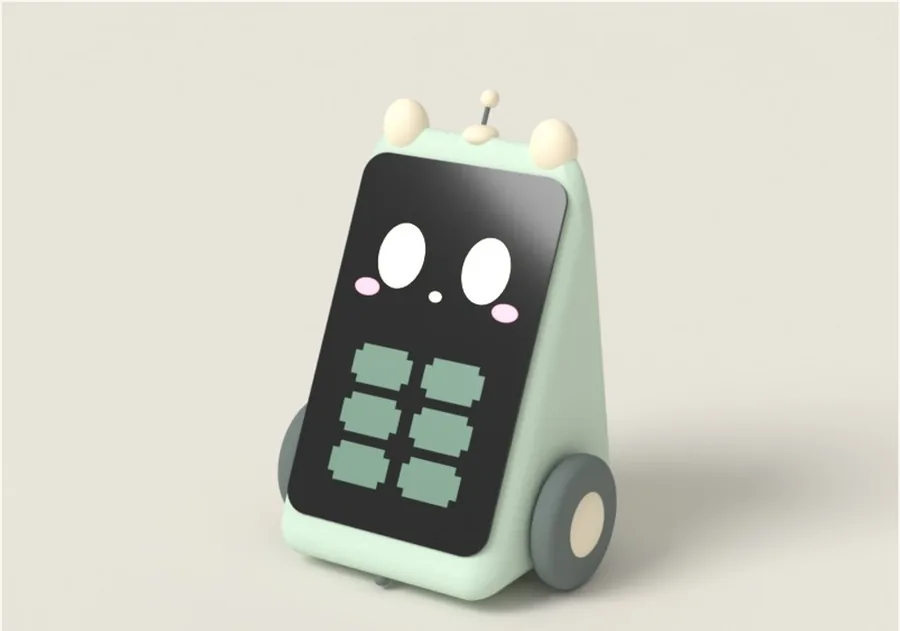
Press the dial and the face gives way to its own launcher: notes, browser, terminal, music.
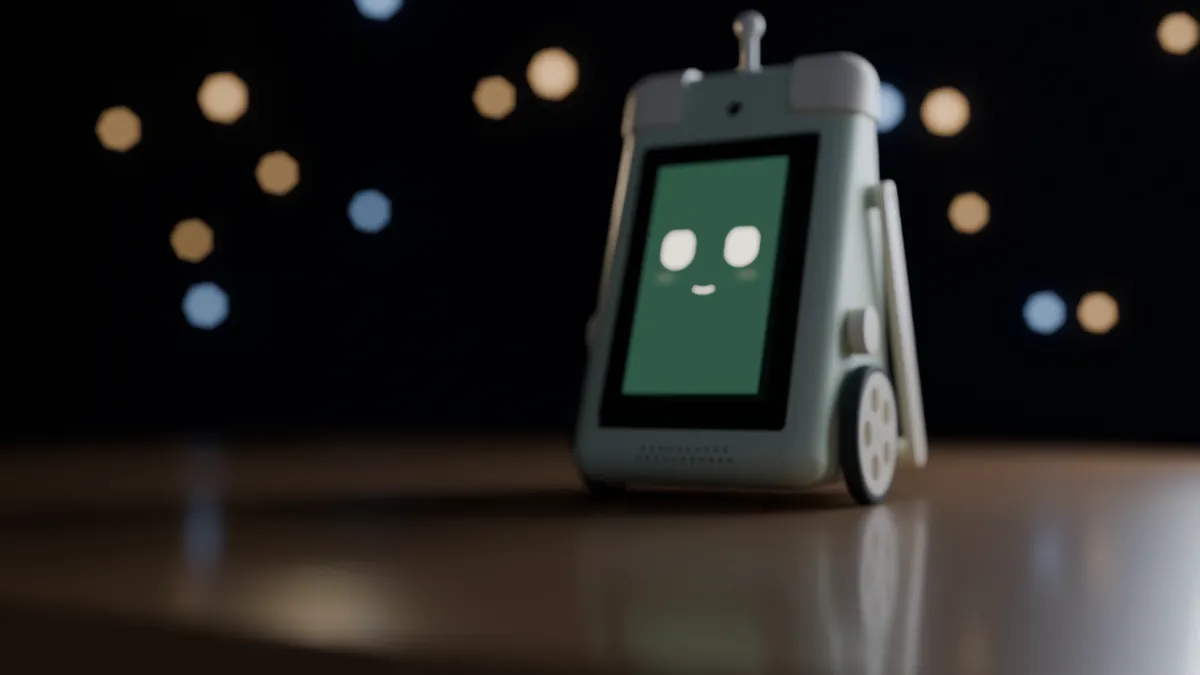
Two motors with wheel encoders take it anywhere on your desk.
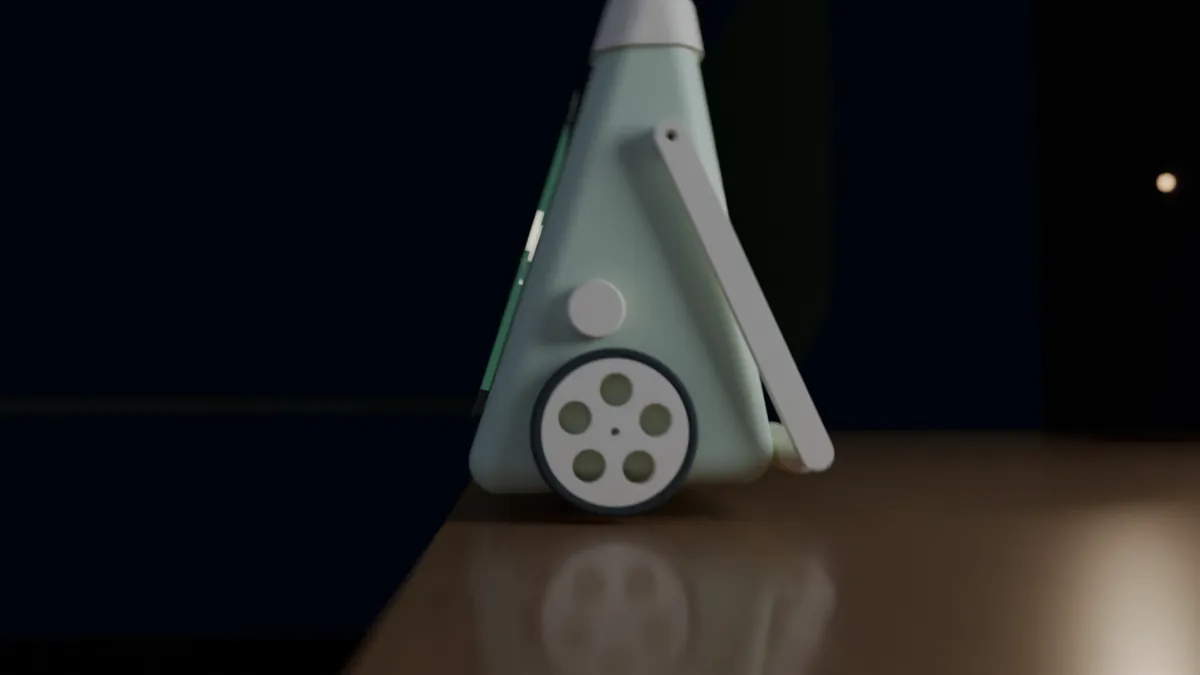
No tumbles: it knows where the desk ends and stops in time.
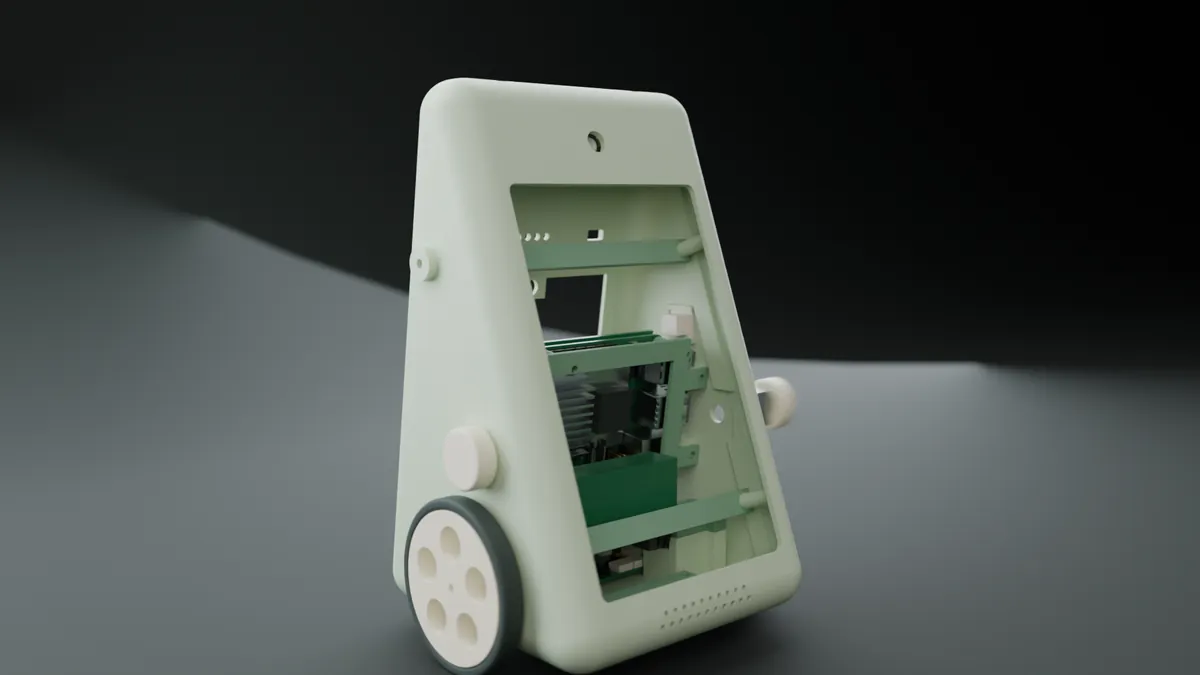
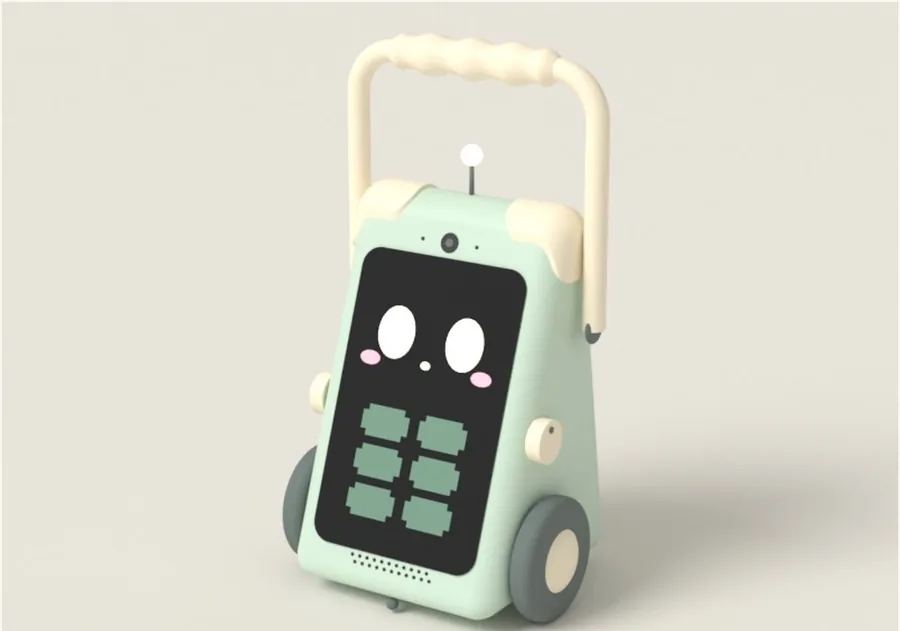
Autofocus camera, microphone and speaker for conversation.
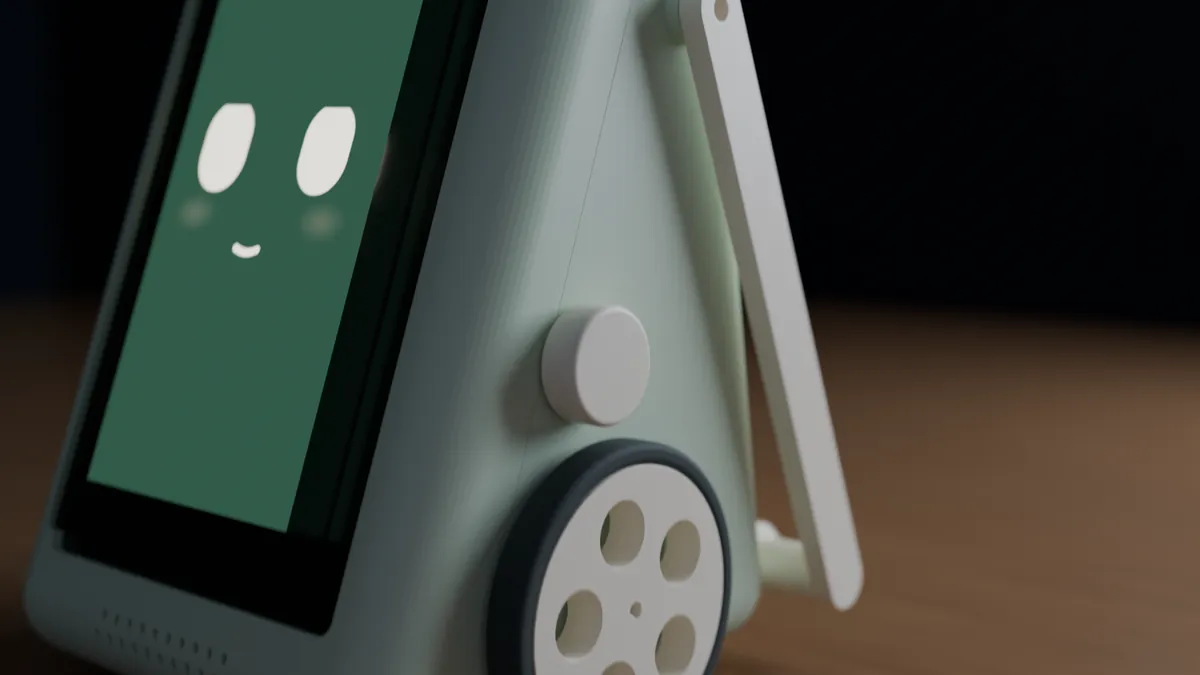
Two dials, two buttons and a status light on the antenna. No app needed for the basics.
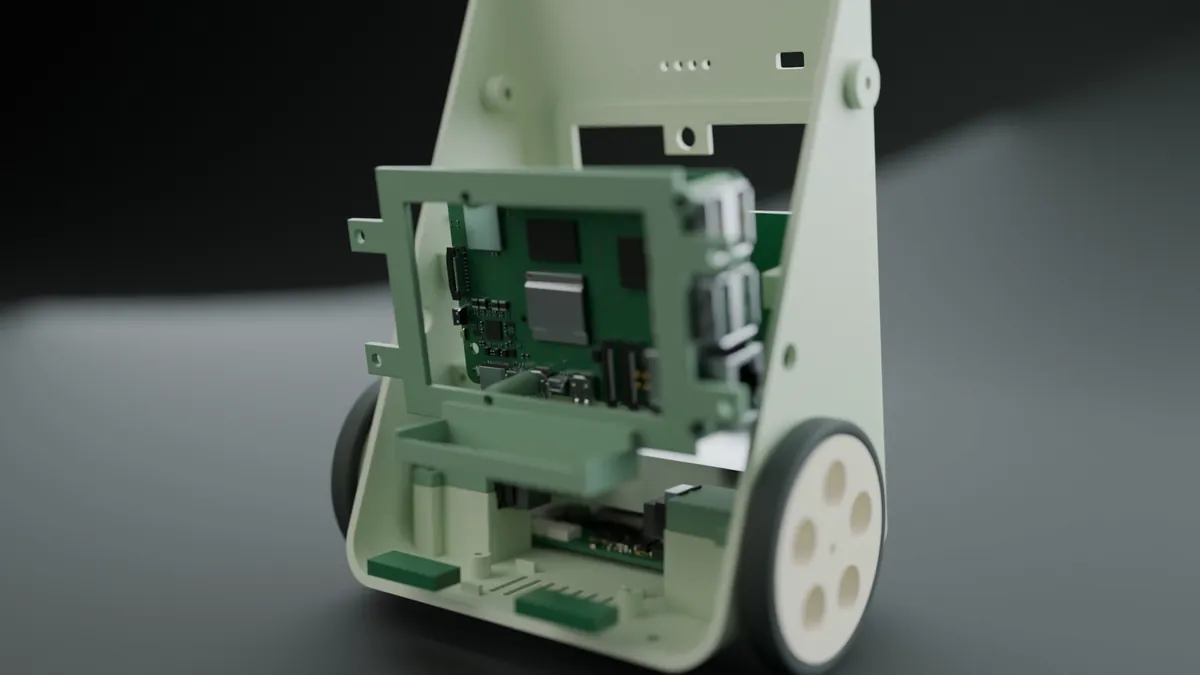
A quad-core computer runs the face, the voice and the apps.
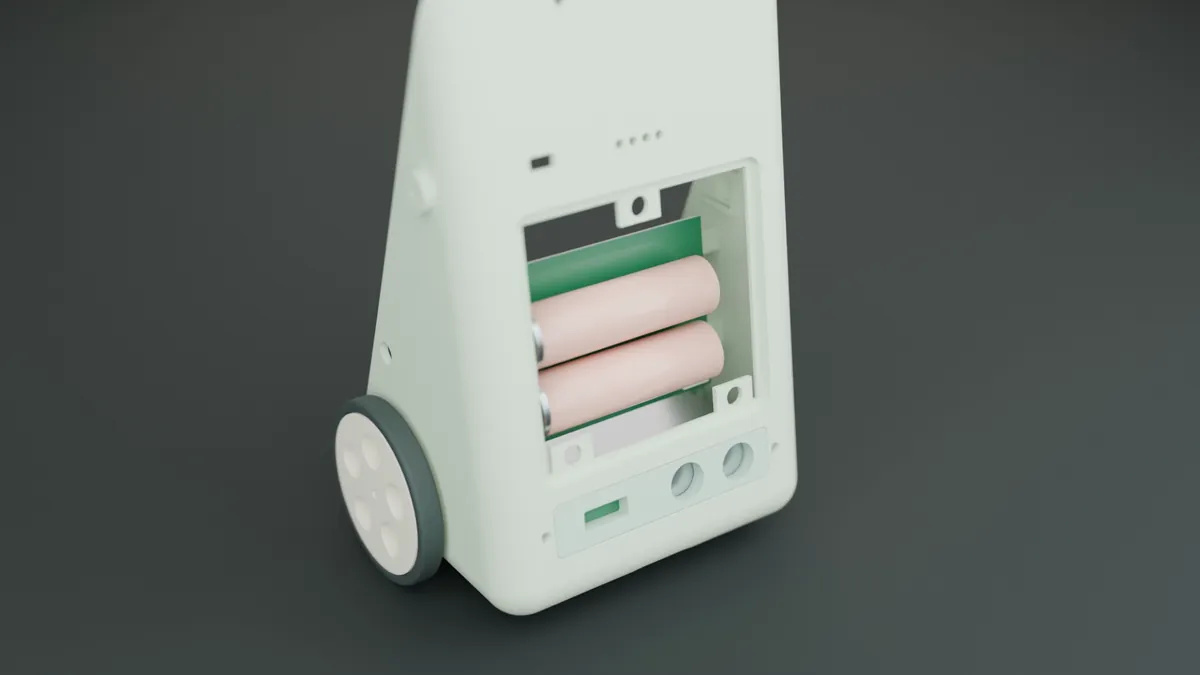
Swap a battery and keep going. USB-C charging.
Go on, say hi
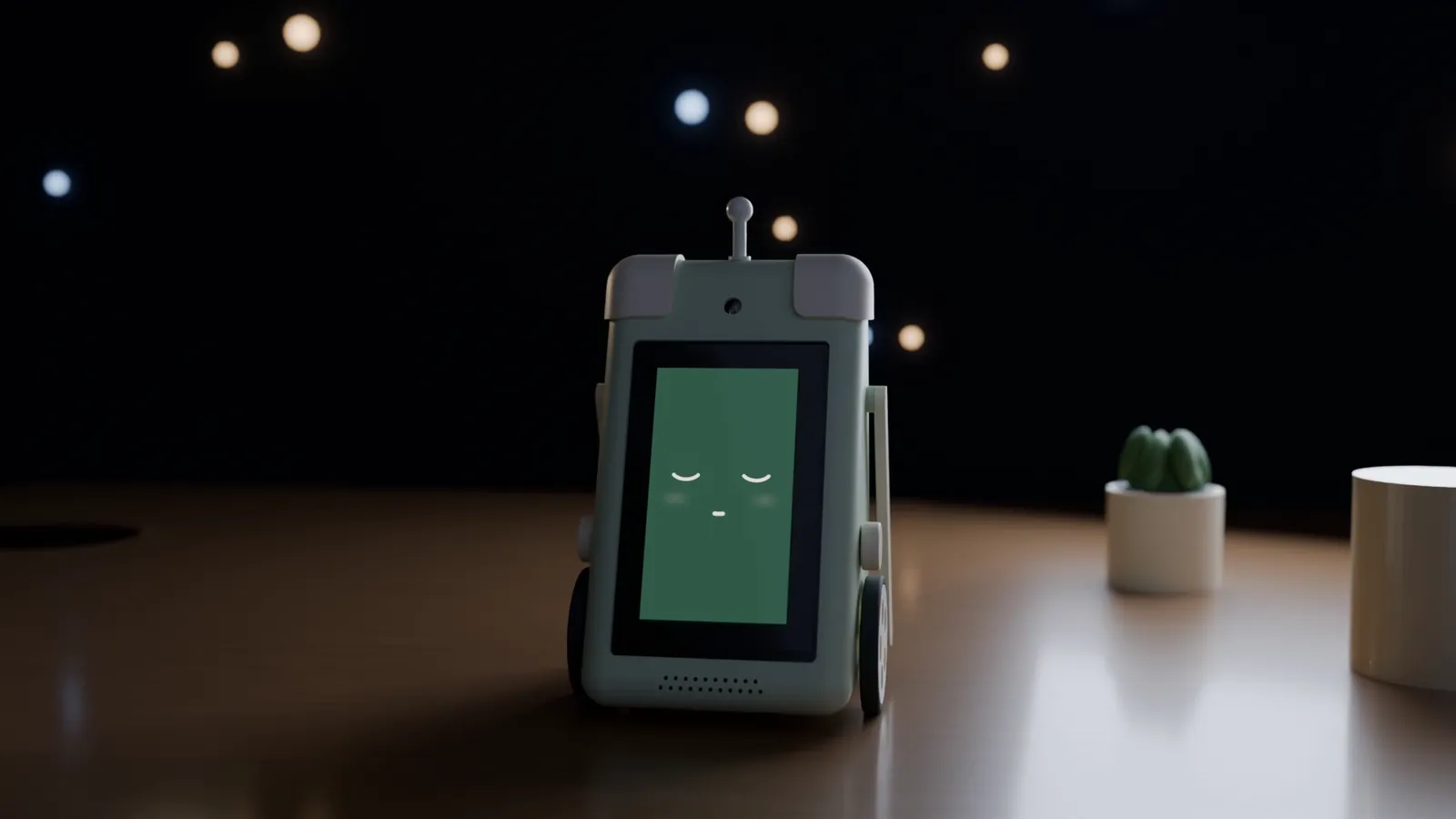
Most desk robots are always performing. Kusabi is meant to be quiet company: slow blinks, small glances, a sleepy face at night, and a clear view of what it heard while you talk.
This is the real face, running live in your browser. Leave it alone and it idles; move your cursor and it watches; tap it and it notices you.
Design
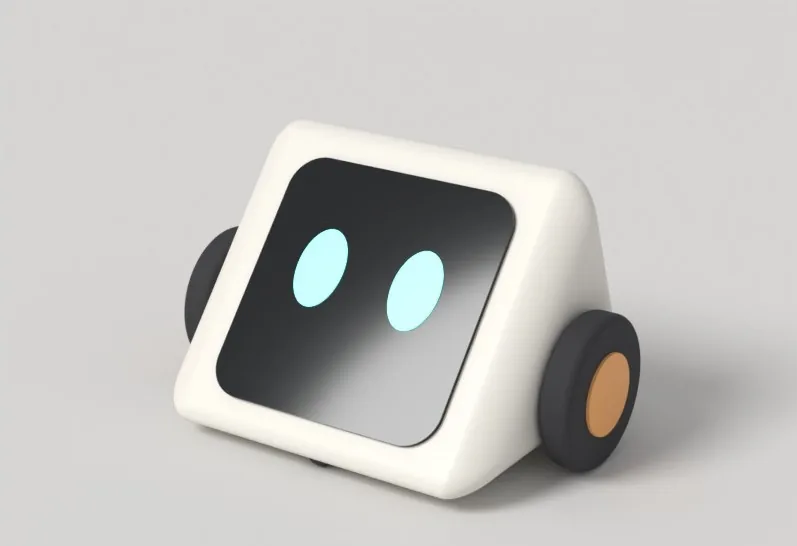
Kusabi started as a literal wedge and grew taller as the requirements did: a real screen, room for a Raspberry Pi, a battery you can swap, and something to carry it by.
Behind the scenes
I research AI for a living: explainability, LLM post-training and how these systems are evaluated. Hardware is very much not my field. Kusabi is partly a robot I simply wanted on my desk, and partly an experiment: how far can one person outside a field get with AI tools, and where do those tools quietly go wrong?
Time and tokens
Made on a Claude Max 5x plan.
Claude has no memory between steps, so before each action it re-reads the whole project so far. The ~1M figure counts only the new text it wrote, not that re-reading. Re-read text is cached and costs about a tenth of new text, but it's still real compute, and I'd rather disclose it than leave it out. It kept every design iteration in software instead of a failed print or board, and turned the project into a documented case of where AI-assisted design works for a non-specialist and where it quietly fails. It's also, honestly, a hobby.
I came up with Kusabi: the concept, the name, the character, its look and its face, and I made the design decisions throughout. The robot's software and AI features are mine to build. For the hardware and the film, I worked with Claude Fable 5.2 as my assistant, directing and checking every step:
Building AI applications is my day job, so this is the part of Kusabi I'm writing myself: the AI conversation, live interpreting, the mini PC mode, and the behaviour that makes the face feel alive, like eyes that follow you through the camera when you start talking. Claude helped scaffold the first drive firmware and the face prototype you can play with above; I'm reviewing and rebuilding all of it as the robot comes together.
A simplified view. The Pi decides what to do; the motion controller keeps the body safe, for example stopping at a desk edge even if the Pi is busy.
The tools were fast and often impressively right. They were also confidently wrong in ways that only show up when you look at the whole thing. A few examples:
When I first asked engineers for quotes, one of them gave me the most useful advice of the whole project, before any work began. That labels-everywhere style, he said, is a telltale sign of AI-generated hardware; he had already reviewed several designs like it. Because no human can follow a circuit drawn that way, anyone who offers to "review" it as-is is in practice running it through an AI, which I could do myself. His advice: get the schematics redrawn as proper, wired diagrams first, so a human can actually check them.
So I did. The schematics were redrawn as conventional wired diagrams, with exactly the same parts and connections as the boards, and they pass KiCad's electrical rules check with no errors or warnings. Only then did they go to a human reviewer.
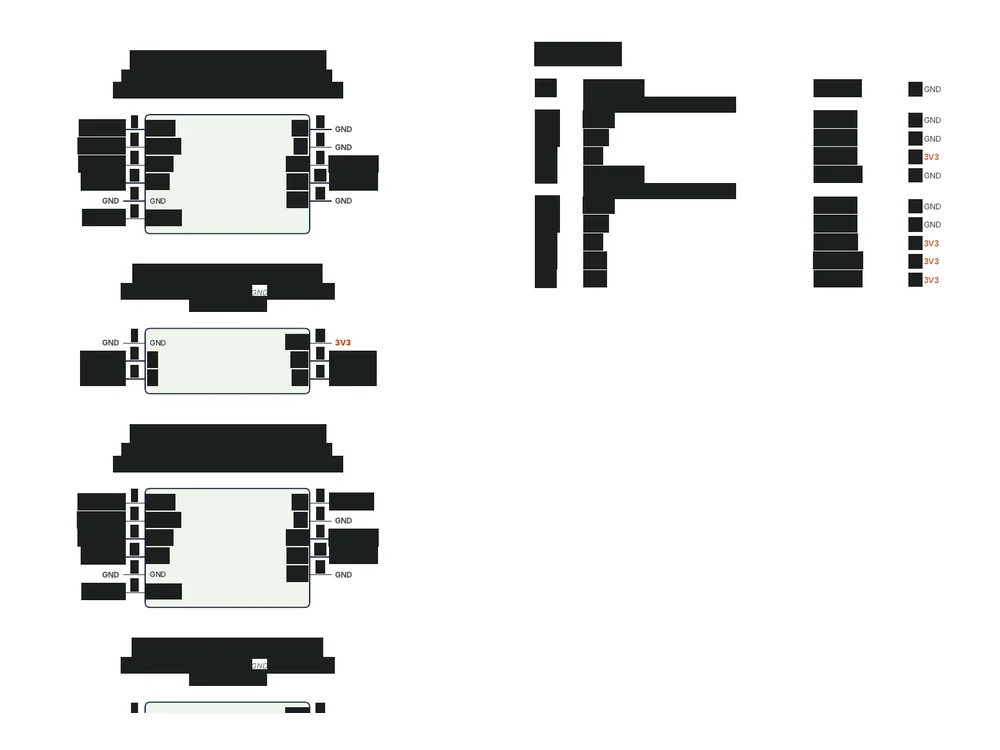
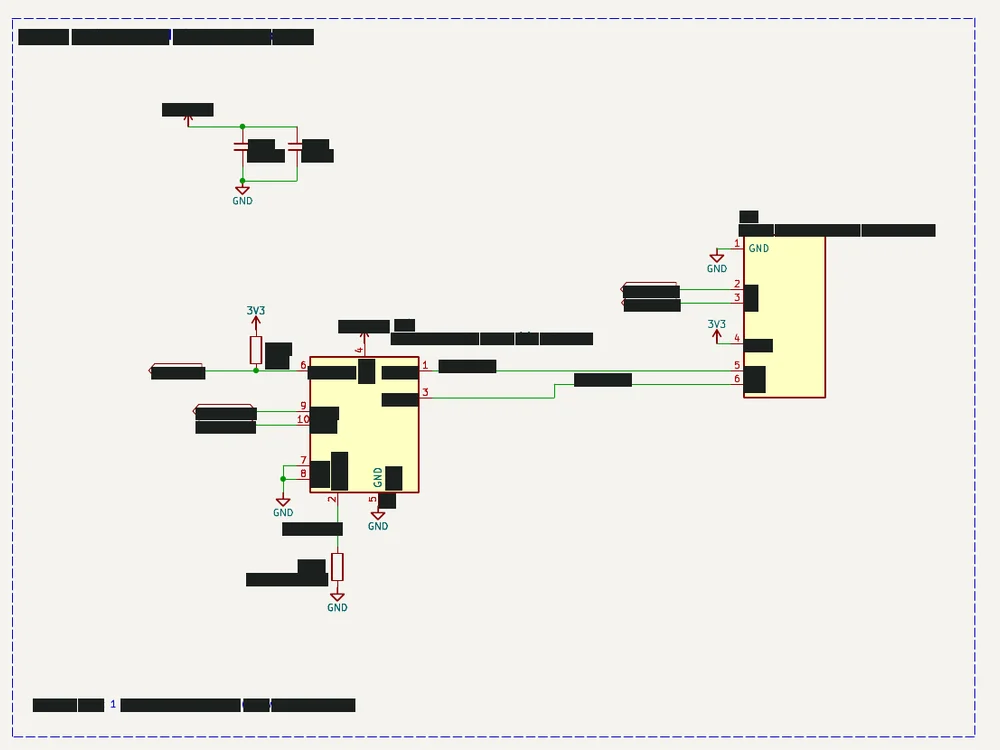
Excerpts from the motor driver sheet. Part names, values and signal names are blacked out.
Before anything is manufactured, the electronics are being reviewed by a veteran circuit engineer with more than 30 years of experience designing electronics, including world-first consumer devices. Besides the usual list of fixes, I asked for something extra: notes on what looks unusually good, unusually odd, or simply wrong for a human designer. Those notes become data on where AI-assisted design holds up and where it doesn't.
This is a portfolio piece, not a kit. The design files, circuit schematics, board layouts and parts list are deliberately not published. Kusabi is an original design and character.